A search for video editing courses in Bengaluru West can lead to long lists of software. Your first decision is the kind of video you want to make: a concise reel, an interview, a product film or a longer story. Picmkr’s Basaveshwar Nagar course page gives you a starting outline; a clear project goal makes the admissions conversation more useful.
Start with the published course information
The published video editing outline includes Premiere Pro, After Effects, DaVinci Resolve, film-editing techniques, YouTube and reels content, sound design and greenscreen work. Confirm the selected modules and current learning format with admissions.
Learn how a sequence communicates
Begin with selecting usable shots, arranging them in a clear order and deciding what the viewer needs to understand. Good editing involves timing and context as well as transitions. When comparing training, ask to see how a rough cut changes after review and how students explain why they removed a shot.
Treat sound and delivery as part of the project
An interview needs understandable dialogue. A product reel needs a clear opening and an export suited to the viewing platform. Include audio levels, image consistency and final delivery in your practice brief. Keep a copy of the source files and organise them so another editor can open the project without searching for missing media.
Match the course scope to your available practice
A focused editing module and a broader motion-graphics path involve different amounts of work. Share your weekly availability, the computer you use and the type of footage you want to edit. Ask which software access, practice footage and feedback are included in the selected course before making a decision.
Before your course enquiry
A practical planning checklist
Write a 30-second story
Choose a fictional product or campus activity and describe its beginning, middle and ending.
Organise your footage
Use material you own or have permission to edit. Group video, audio and images in clearly named folders.
Make a rough cut
Select the shots that communicate the story. Use simple cuts first and note any missing footage or sound.
Review and prepare questions
Watch once for story, once for audio and once for technical problems. Take these observations to a course counselling session.
A sample brief you can adapt
Practice brief: edit a 30-second fictional workshop promo using licensed or self-shot footage. Open with the activity, show two process shots, finish with a simple invitation. Review story clarity, audio and export settings.What to look for in the result
A viewer should understand the activity without an explanation from you, and the project should reopen with all its media linked.
Course fees and admission enquiries
Basic courses at Picmkr start at ₹10,000. The total increases with the additional courses you choose. Request an itemised quote for your selected subjects, including the schedule and what is included.
Confirm the next available batch, session times, format, course-specific prerequisites and enrolment steps directly with the team.
Ask admissions about your selected courseVisit Picmkr in Basaveshwar Nagar
Picmkr AI and Animation Academy
2nd Floor, Pace Building, 6th Cross, Behind Punya Hospital, Near Pavithra Paradise, Basaveshwar Nagar, Bengaluru – 560079
Planning travel from Rajajinagar, Vijayanagar, Nagarbhavi, Mahalakshmi Layout or the Mysore Road area? Use the official map from your starting point and confirm a counselling time with the team.
Open the official campus map · Call +91 84319 77309 · Email info@picmkr.com
Common questions
Should I start with editing or motion graphics?
Start with the output you need. Editing organises footage into a sequence; motion graphics creates animated graphic elements. Ask about a suitable learning order.
Can I enquire from Vijayanagar or Nagarbhavi?
Yes. Picmkr’s campus is in Basaveshwar Nagar; confirm the current batch format and plan your travel using the official map.
Are batch times fixed on this blog?
No batch timetable is quoted here. Ask admissions for the current dates, session times and course duration.
Official course and contact information
- Video Editing & Motion Graphics — Picmkr
- Picmkr course catalogue
- Picmkr contact and campus information
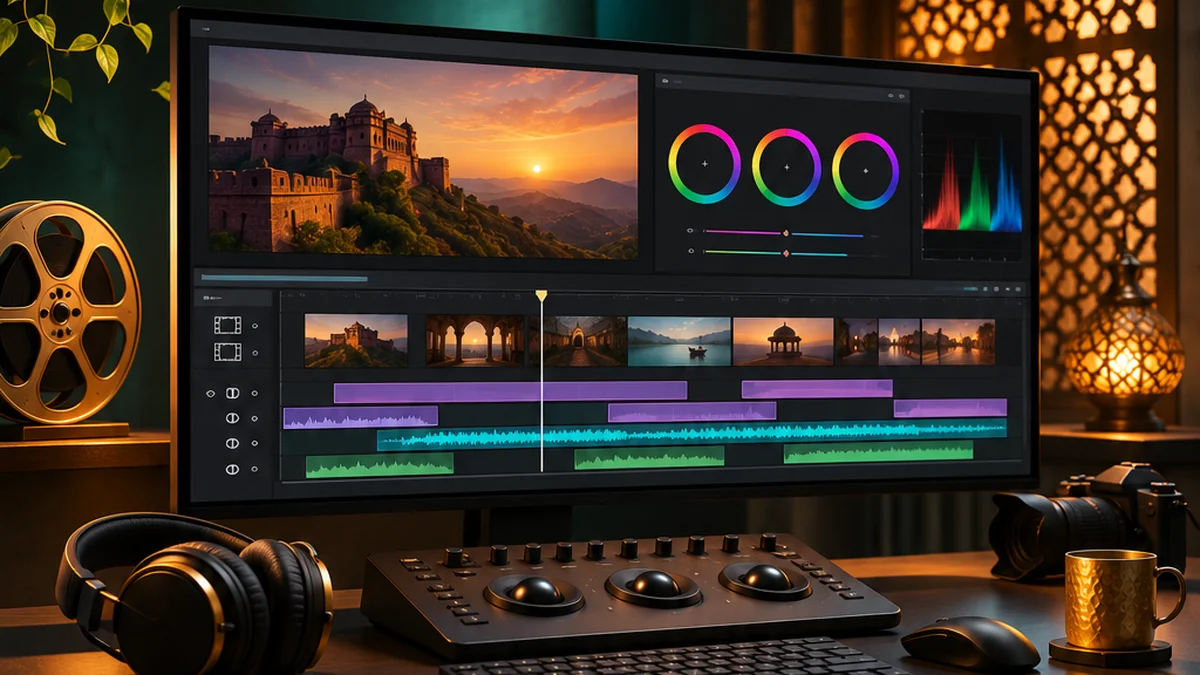
Course options and schedules can change. Ask for the current scope and quote. Cover image: AI-generated editorial illustration, not a campus or student photograph.