A useful first Photoshop project has a clear problem to solve: improve a photograph, prepare a product image or combine elements into a believable composition. If you are searching for Photoshop training in Bengaluru, use one small editing brief to discuss the right starting module at Picmkr.
Start with the published course information
The Photoshop section of Picmkr’s graphic design page lists interface basics, retouching, layer masks, compositing, digital painting, social media graphics and print fundamentals. Confirm which topics belong to the module you choose.
Learn to make reversible changes
Keep an untouched source copy and organise edits so you can review them. Separate corrections, retouching and added elements where possible. Being able to explain or revise a change matters as much as producing a dramatic before-and-after image. Ask how the course teaches file organisation and review.
Judge the result at its intended size
An image used in a small social post may need different cropping from a printed poster. Decide the destination before polishing details. Look for consistent lighting, clean edges, readable composition and natural-looking corrections. Use photographs you own or are licensed to edit, particularly when practising with images of other people.
Discuss a realistic starter module
Bring your own experience level and the type of images you want to work with. Ask about software access, practice files, feedback and the version used in class. Basic-course fees start at ₹10,000, and your total depends on the subjects and additional courses selected. Request the scope and price together.
Before your course enquiry
A practical planning checklist
Choose a permitted image
Use your own product or landscape photograph. Keep the original file in a separate folder.
Write three editing goals
For example, improve the crop, correct a colour cast and remove one distracting object. Avoid changing everything at once.
Save a working version
Keep edits organised and save an editable file as well as a viewing copy, using the formats appropriate to your tool.
Review before and after
Compare at the intended display size and note which changes helped. Bring the image and your questions to counselling.
A sample brief you can adapt
Photo brief: prepare an original product photograph for a square social post. Improve crop and colour, keep the product appearance accurate and save an editable working file plus an export.What to look for in the result
You should be able to identify every change, reopen the working file and explain how the final image fits the intended use.
Course fees and admission enquiries
Basic courses at Picmkr start at ₹10,000. The total increases with the additional courses you choose. Request an itemised quote for your selected subjects, including the schedule and what is included.
Confirm the next available batch, session times, format, course-specific prerequisites and enrolment steps directly with the team.
Ask admissions about your selected courseVisit Picmkr in Basaveshwar Nagar
Picmkr AI and Animation Academy
2nd Floor, Pace Building, 6th Cross, Behind Punya Hospital, Near Pavithra Paradise, Basaveshwar Nagar, Bengaluru – 560079
Planning travel from Rajajinagar, Vijayanagar, Nagarbhavi, Mahalakshmi Layout or the Mysore Road area? Use the official map from your starting point and confirm a counselling time with the team.
Open the official campus map · Call +91 84319 77309 · Email info@picmkr.com
Common questions
Can I learn Photoshop as one subject?
Picmkr lists individual software-based courses. Ask about the current Photoshop module and whether it matches your goals.
Do I need a paid software subscription?
Ask admissions what software access is included and what you need for practice outside class. Do not assume tuition includes a personal subscription.
Where can I ask about the next batch?
Use Picmkr’s official contact form, phone or WhatsApp links below for the current schedule.
Official course and contact information
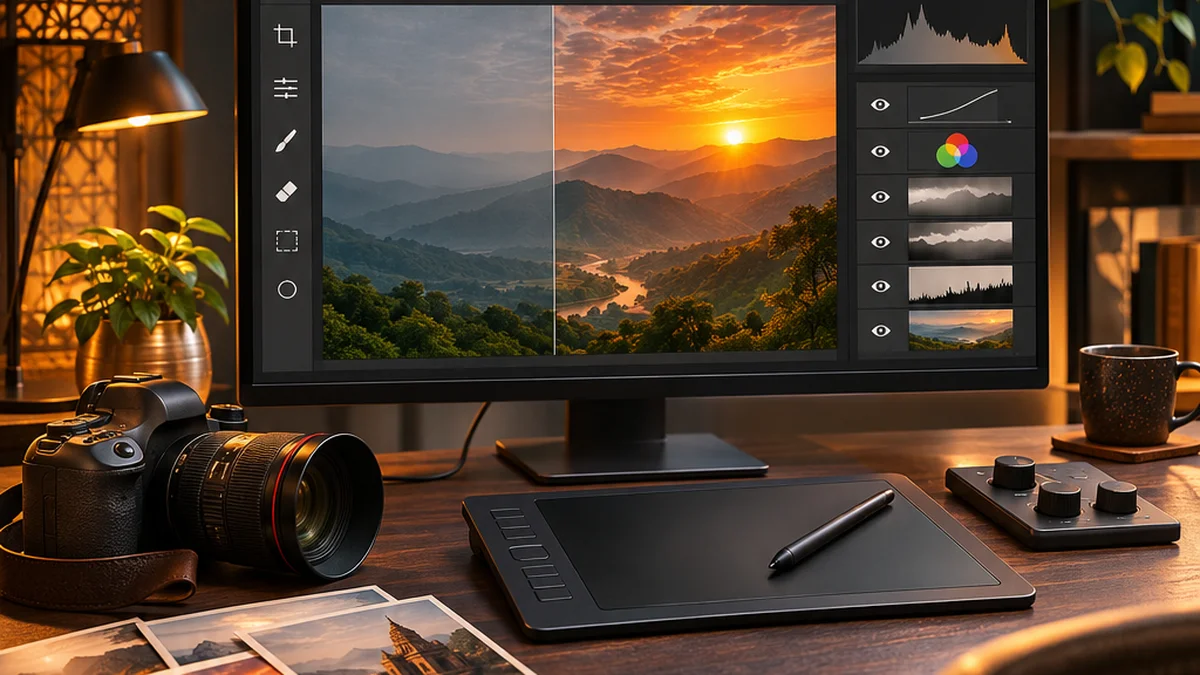
Course options and schedules can change. Ask for the current scope and quote. Cover image: AI-generated editorial illustration, not a campus or student photograph.