
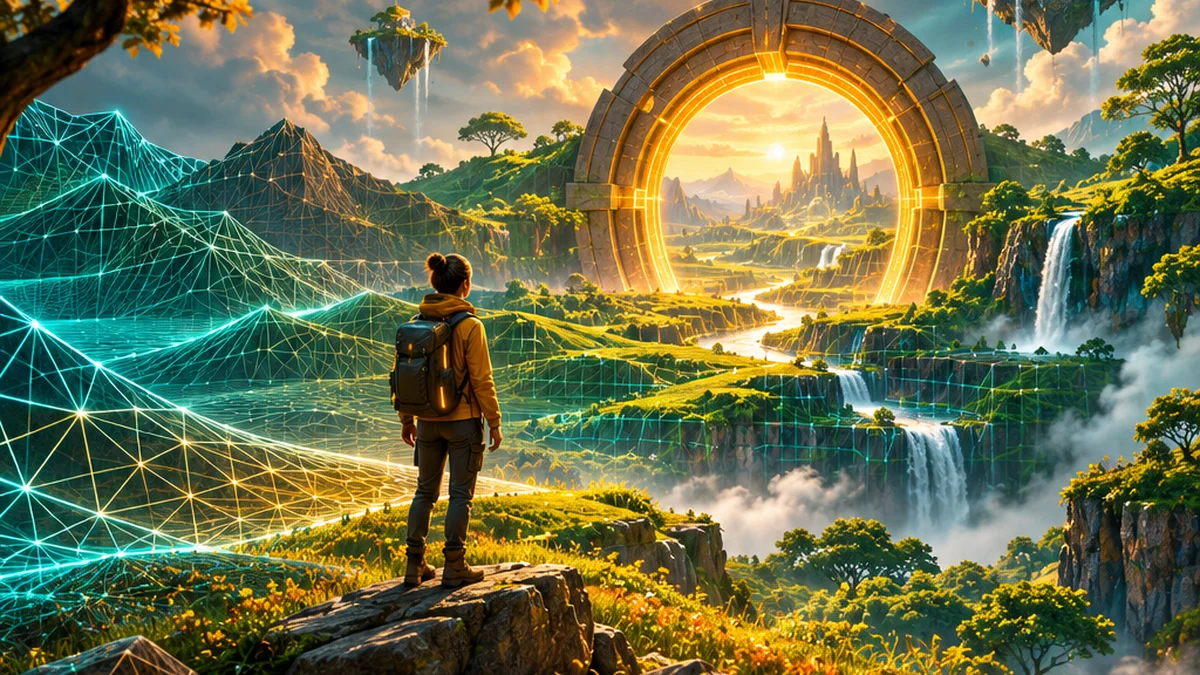
Google is rolling out Genie 4 in Project Genie. Learn how world generation differs from a Blender scene and try a simple environment brief.
The new Project Genie experience
Google’s 18 November 2026 update says Genie 4 is rolling out to eligible Google AI Ultra subscribers in Project Genie. It describes real-time environment edits using natural language, native audio and a community gallery, with a waitlist route for Google AI Pro members.
What the announcement does and does not establish
The update concerns an interactive world-generation experience. It does not establish a standard Blender mesh, rig or animation export workflow. Access is eligibility-dependent, so check the official product route before assuming a particular account or region can use it.
What it means for learners
A world model generates an evolving environment that responds to interaction. A Blender project, by comparison, contains editable scene elements you can inspect and control. Our creative takeaway is to use world generation for exploration and reference, while treating production asset creation as a separate job until the required formats and controls are verified. This keeps a striking demo from becoming an unrealistic delivery promise.
Picmkr practice exercise
Try a small, reviewable project
What you need An eligible Project Genie account, or a written concept brief if access is unavailable. For comparison, use a simple Blender scene you create yourself.
Define a navigable idea
Describe a small courtyard with a doorway, a bench and one clear path. Choose a consistent visual style and list the details that must remain stable.
Check access first
Use Google’s official launch page to reach Project Genie. Confirm eligibility and current limits. If unavailable, complete the planning exercise without pretending to have tested the service.
Test one change at a time
If you have access, generate the environment, explore it and request one alteration, such as changing the time of day. Record what remains stable and what changes unexpectedly.
Translate the idea into production terms
Write a separate Blender asset list: ground, walls, doorway, bench, camera and lights. Identify which elements you would need to model, texture and animate for an editable production scene.
Sample brief
Environment concept: a small stylised Bengaluru-inspired courtyard at golden hour, one bench, a visible doorway and a walkable path. Preserve the layout while changing the lighting. No real business logos or identifiable people.How to tell it worked
You should understand the difference between an interactive generated experience and an editable production scene, with a concrete asset plan for the latter.
Do not promise game-ready assets or direct Blender integration based on a world-generation demonstration. Verify supported exports and tools for the exact service version.
Common question
Can an MCP connection turn a generated world into a Blender project automatically?
MCP can expose tools when a compatible server and host exist. It does not create missing export formats or guarantee a reconstruction pipeline.
Sources and further reading
Announcement dates are shown above. Vendor performance claims are attributed; Picmkr has not independently benchmarked these releases. Practical exercises are editorial suggestions.