Animation and VFX cover several kinds of work. Someone who enjoys shaping a character may want different practice from someone who wants to combine live footage and effects. If you are considering training in Bengaluru, use Picmkr’s Basaveshwar Nagar course outline to choose a first specialisation you can explain and test.
Start with the published course information
Picmkr lists 3D and VFX subjects including Maya, Blender, Unreal Engine, Cinema 4D, After Effects, Nuke, Fusion, Element 3D, Boujou and Houdini. Its outline covers modelling, animation, lighting, rendering, compositing and showreel work.
Separate the roles in a production pipeline
Modelling creates objects and surfaces. Animation focuses on movement. Lighting and rendering shape the final image, while compositing combines elements into a shot. You do not have to master every role before making a small project. Choose a starting point and understand the inputs it needs from the rest of the pipeline.
Keep your first scene deliberately small
A desk lamp, a simple prop or a short bouncing-object exercise gives you a manageable result to review. Check silhouette, proportions, light direction or movement rather than adding complexity immediately. Save versions as you work so you can explain revisions. A clear breakdown helps a reviewer understand which parts you created.
Ask how a showreel will be reviewed
During counselling, describe the role that interests you and ask what a beginner project could look like. Discuss computer requirements, render time, software access and how feedback is given. Confirm which modules are included in your quote rather than assuming every tool in the catalogue belongs to one programme.
Before your course enquiry
A practical planning checklist
Pick one specialisation
Choose modelling, animation, lighting or compositing as your first focus and write one reason for the choice.
Plan a ten-second exercise
Use one main object and one clear action. Sketch the scene or collect references you may legally use.
Create a review checklist
For modelling, check shape; for animation, timing; for lighting, readability; for compositing, integration.
Discuss the learning route
Bring the plan to Picmkr and ask which course modules, prerequisites and hardware are appropriate.
A sample brief you can adapt
Starter scene: a simple desk lamp illuminates one object on a table. Explain the model, material, light and camera decisions. Keep the shot short and save a breakdown of your own work.What to look for in the result
You should be able to identify the specialisation you practised and explain one improvement made after reviewing the first version.
Course fees and admission enquiries
Basic courses at Picmkr start at ₹10,000. The total increases with the additional courses you choose. Request an itemised quote for your selected subjects, including the schedule and what is included.
Confirm the next available batch, session times, format, course-specific prerequisites and enrolment steps directly with the team.
Ask admissions about your selected courseVisit Picmkr in Basaveshwar Nagar
Picmkr AI and Animation Academy
2nd Floor, Pace Building, 6th Cross, Behind Punya Hospital, Near Pavithra Paradise, Basaveshwar Nagar, Bengaluru – 560079
Planning travel from Rajajinagar, Vijayanagar, Nagarbhavi, Mahalakshmi Layout or the Mysore Road area? Use the official map from your starting point and confirm a counselling time with the team.
Open the official campus map · Call +91 84319 77309 · Email info@picmkr.com
Common questions
Do I need to learn every 3D application together?
Choose a project and a starting specialisation, then ask which software supports it. The full catalogue is broader than a single beginner module.
Does the course page list Blender?
Yes. Blender for 3D Creators appears in Picmkr’s animation and VFX outline. Confirm the current module scope with admissions.
Where is the training campus?
Picmkr lists its campus in Basaveshwar Nagar, Bengaluru. The address and map are provided below.
Official course and contact information
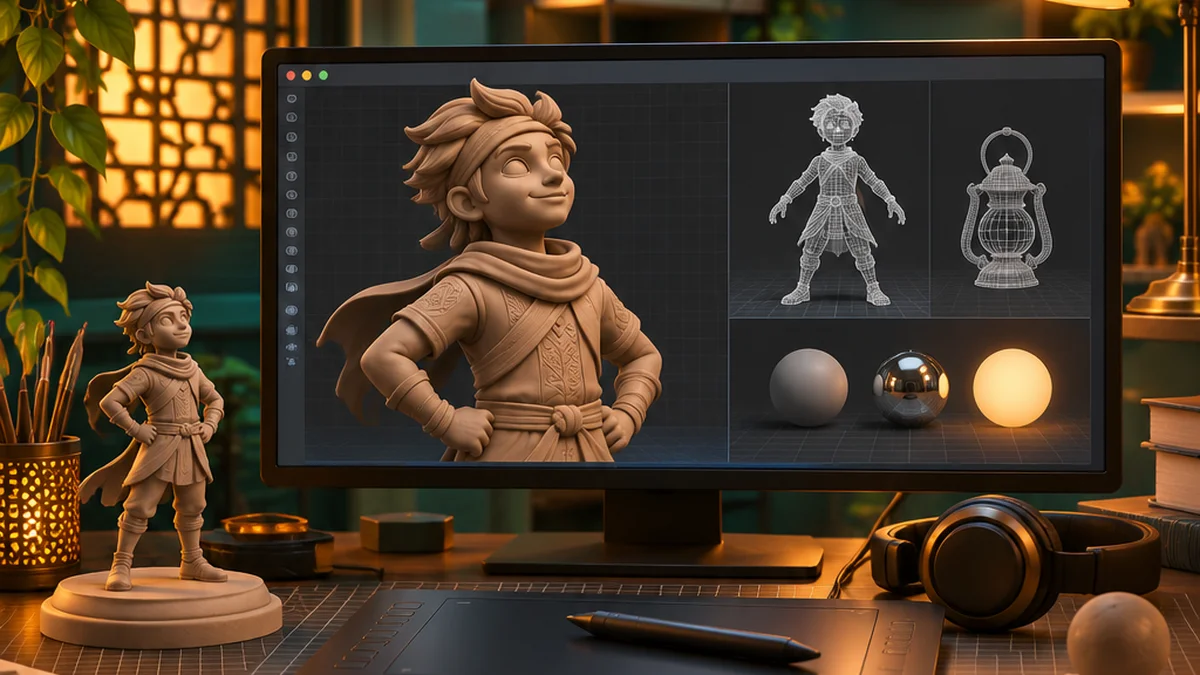
Course options and schedules can change. Ask for the current scope and quote. Cover image: AI-generated editorial illustration, not a campus or student photograph.