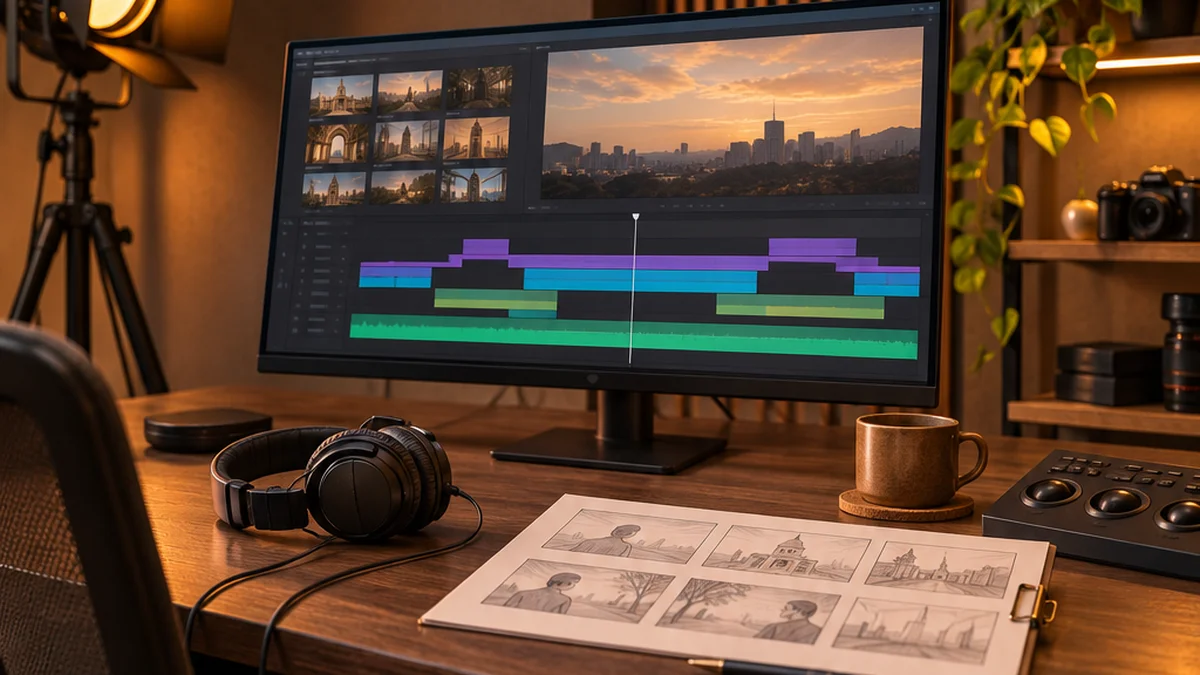
Creative teams often repeat the same setup before designing or editing. They need the right source files, a clear brief and agreement about the deliverables. An AI workflow can help organize that work while designers and editors make the creative choices.
Step-by-step setup
Set up a checklist for a 30-second promo
What you need A chat assistant and Google Sheets or a notes app. Use a fictional video brief and filenames for practice.
Write a one-paragraph brief
Include your audience, required formats, the files you have and the deadline. Put uncertain items on a separate line.
Ask for a checklist
Paste the example prompt after your brief. Ask the assistant to group tasks by assets, edit, review and delivery.
Assign work in your sheet
Give each row a task, owner, due date and status. Link approved files in your own workspace rather than pasting private files into the chat.
Test a missing file
Remove the music licence from the brief and generate the checklist again. Check that the editor sees it as something to confirm before export.
Copy this example
Turn the brief into a checklist for a 30-second promo with a vertical and a landscape version.
Use four groups: assets, edit, review and delivery. List missing assets and permissions separately. Do not invent a file name or a licence.
How to tell it worked
A second editor can tell what to prepare, what to export and what still needs approval without having to guess.
Turn a brief into a production checklist
List the audience, footage and assets approved for use, distribution formats and the delivery deadline. Ask the model to separate confirmed requirements from open questions. For a short promo, the useful output might be a shot list to review and a list of captions or brand assets still needed.
Use automation for file preparation and handoffs
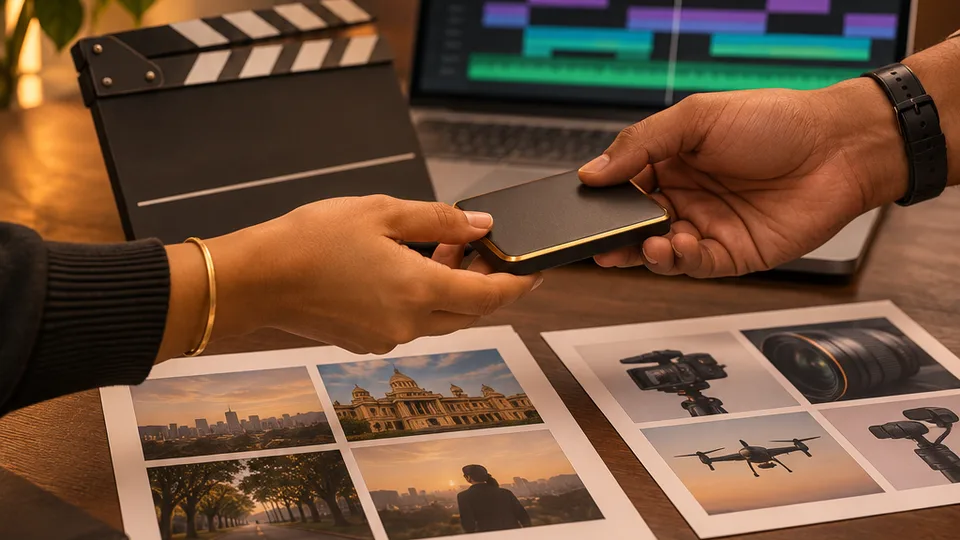
A fixed workflow can check filenames, confirm which formats were supplied and report missing assets. Add the model where judgment is useful, such as summarizing edit notes from several reviewers. Keep the original notes linked so the editor can resolve disagreements.
Check AI drafts against the brief
Try draft voiceover lines, editorial angles or layout notes with clear constraints. Review whether the result is accurate, usable and consistent with the brand. AI suggestions can help the team explore options, but a human should decide what gets added to the final cut or design.
Show the process in a portfolio
Keep the brief, source notes, a sample automation output and the final piece. Explain what the automation handled and one decision you made after reviewing it. A simple comparison of time spent preparing assets can be more meaningful than a long list of tools.
Try it yourself
Take a fictional 30-second promo brief and produce a checklist for a vertical edit and a landscape version. Flag missing music permissions and any unconfirmed deliverables. Ask someone else to check whether they could work from the checklist.
Common questions
Does this replace learning editing or design?
No. It supports repeated production tasks. Editing and design fundamentals help you judge the output and make the final decisions.
Which courses connect to this example?
Picmkr’s video editing, graphic design and Digital Marketing and AI pages cover the creative and campaign skills involved. Ask which projects are available in the current batch.